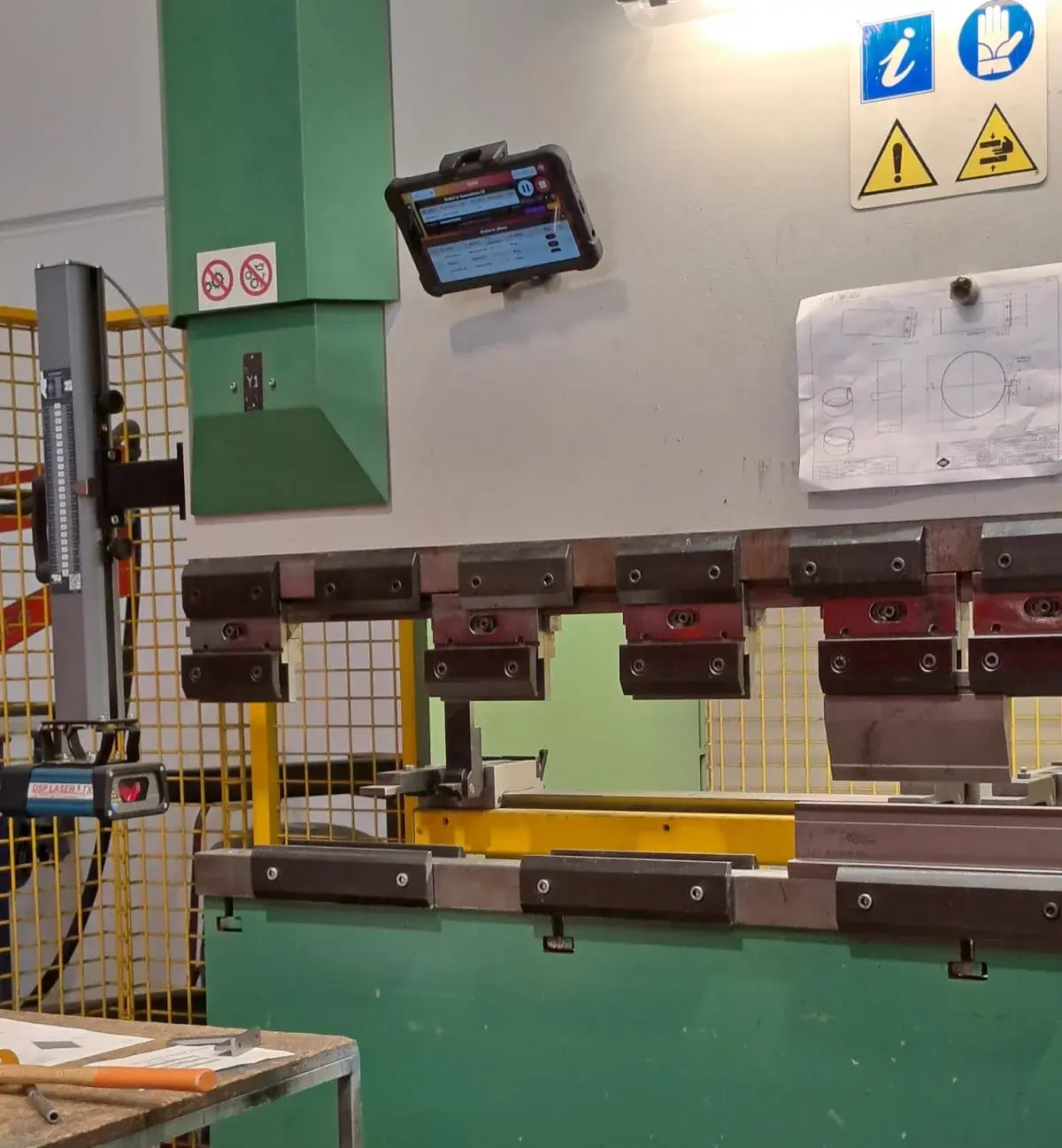
Metal fabrication
MEB Srl
From Excel and paper to digital progress updates, visible workloads and a shared plan for the shop floor and management.
Eliminated delays of 2–3 weeks
Read the case studyOperativo connects orders, materials and shop-floor progress in one finite-capacity schedule. When a rush order lands or a machine stops, you recalculate everything in seconds and see right away which deliveries are at risk.
We start from how you schedule today. No pre-formatted files needed.
Customer stories
From metal fabrication to bottling: discover how these companies improved production management with Operativo.
Metal fabrication
From Excel and paper to digital progress updates, visible workloads and a shared plan for the shop floor and management.
Eliminated delays of 2–3 weeks
Read the case study
Metal fabrication
From process mapping to shared information in Operativo: connect components and materials to understand which orders can move forward.
Order status visible to the owner and planner
Read the case study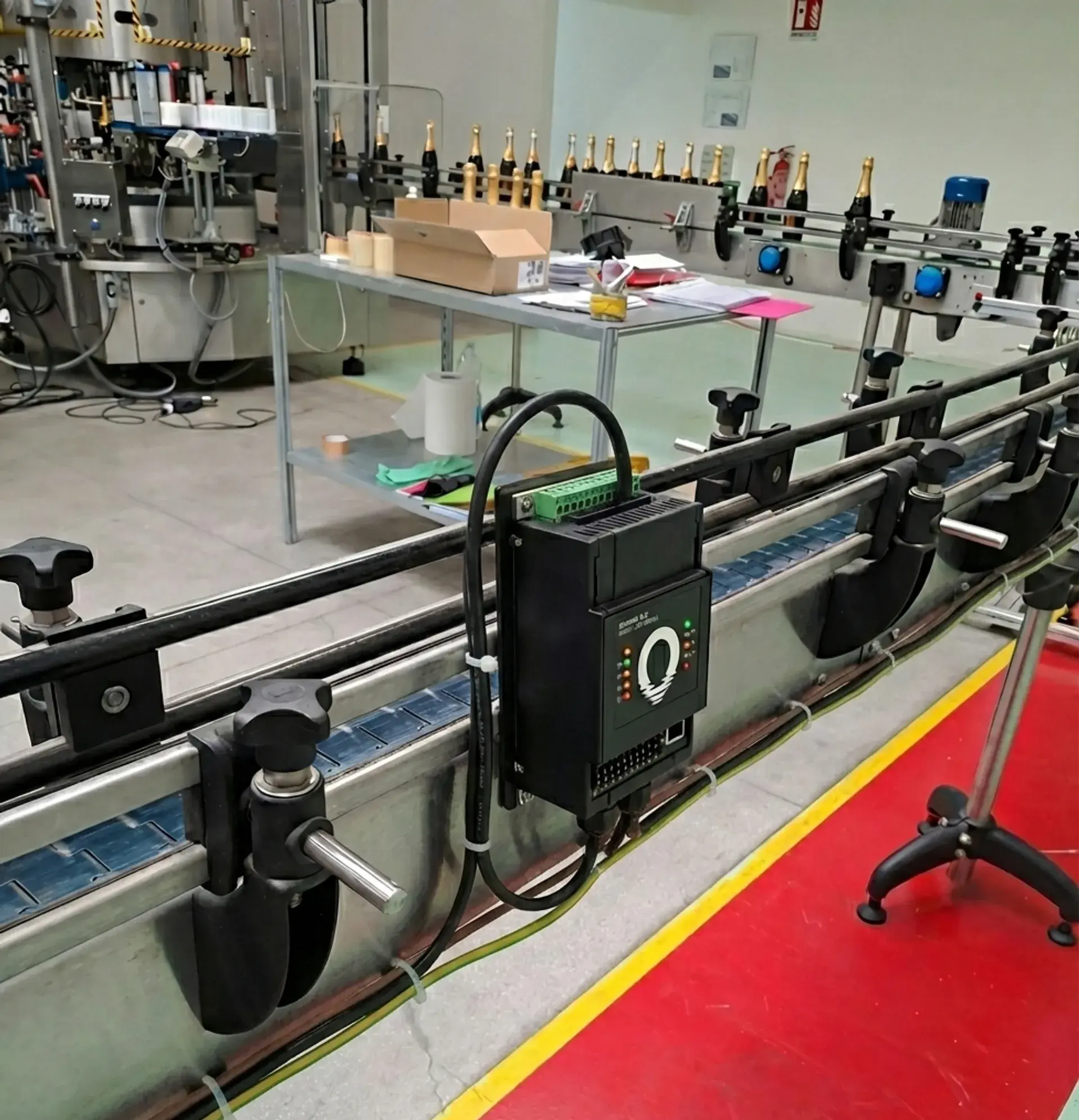
Bottling and packaging
Line cycle times, changeovers and material availability connected to the production schedule.
Around 33% more production capacity
Read the case studyCompanies & manufacturing plants producing with Operativo





Scheduling based on guesswork makes your plan fragile at the first unexpected change. Here is how Operativo responds:
Recalculate the schedule with the new priority and see immediately which orders shift and which resources overload.
Link material availability directly to planned jobs and catch bottlenecks before production starts.
Schedule on actual machine and labor capacity, refining cycle times using real data from the shop floor.
A continuous operational flow across three core steps: from initial scheduling to shop floor execution and rapid changes.
Import orders from spreadsheets or ERP. Finite-capacity scheduling places operations respecting machine capacity, shifts, setups, and materials.
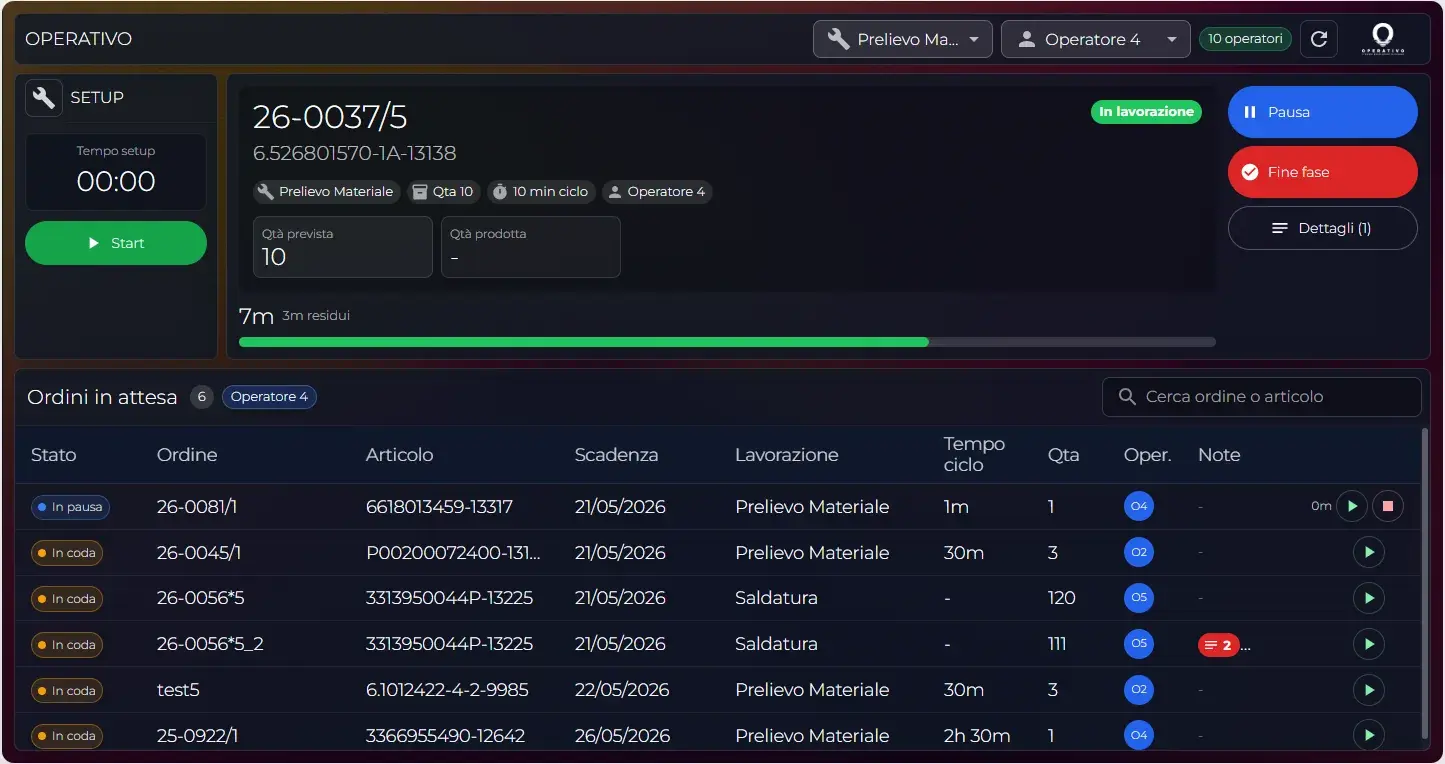
The shop floor records phase starts and completions on tablets (with MES) or existing systems. Real production times replace theoretical estimates.
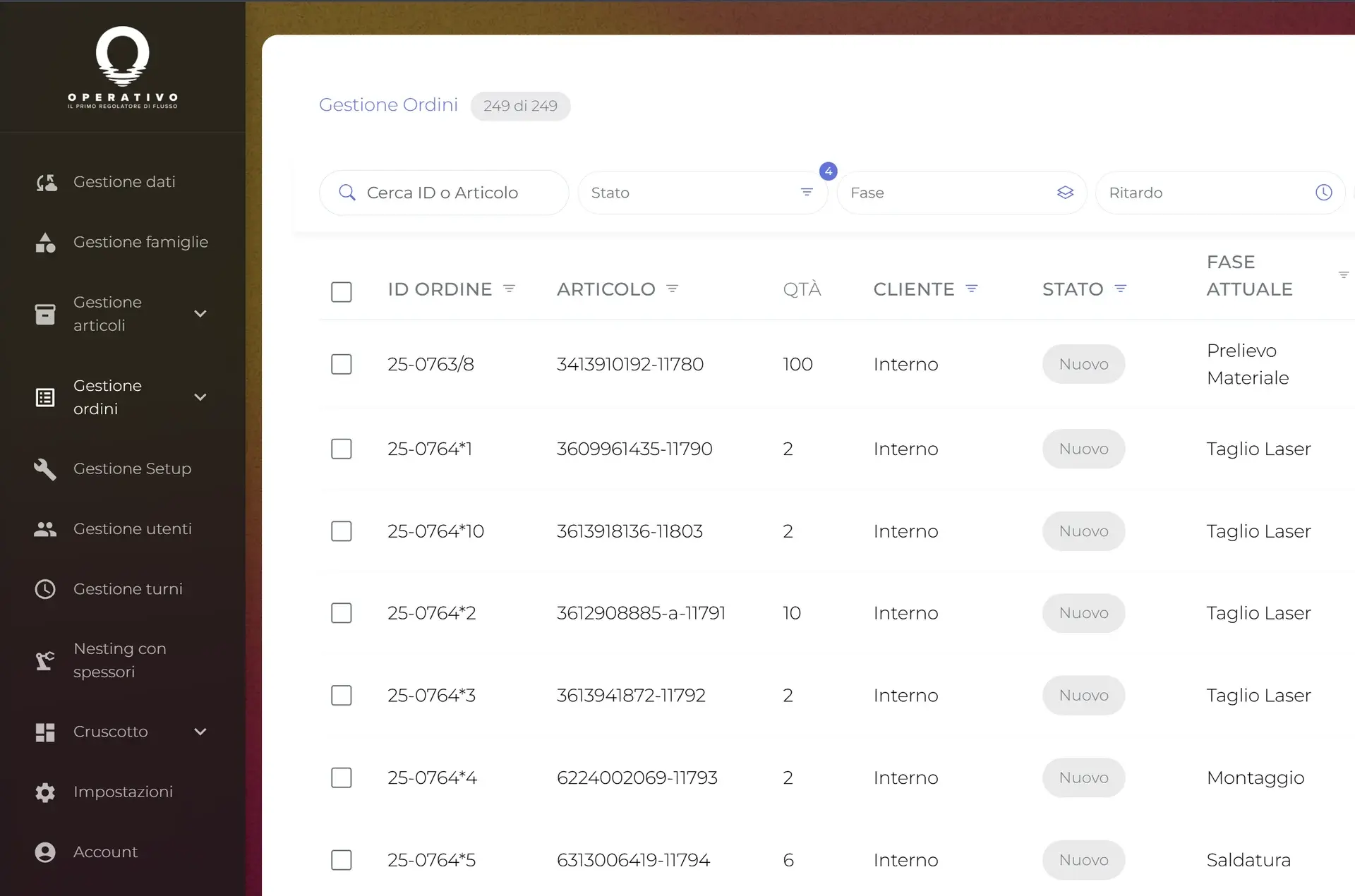
When an emergency occurs or a machine stops, recalculate the schedule in seconds. See the ripple effect on all dates without manual calculations.
Two moments in a day with Operativo: a schedule change that reaches the shop floor right away, and a question asked to your production data.
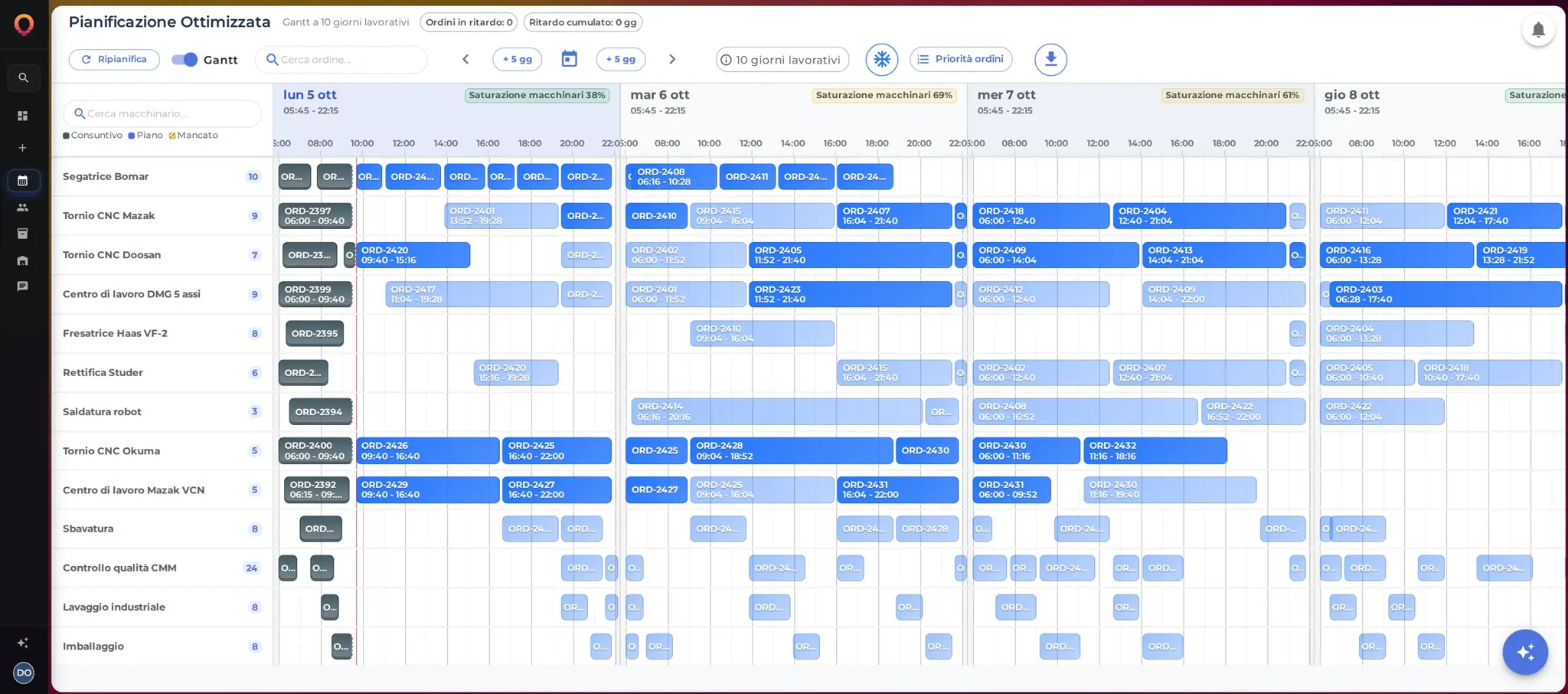
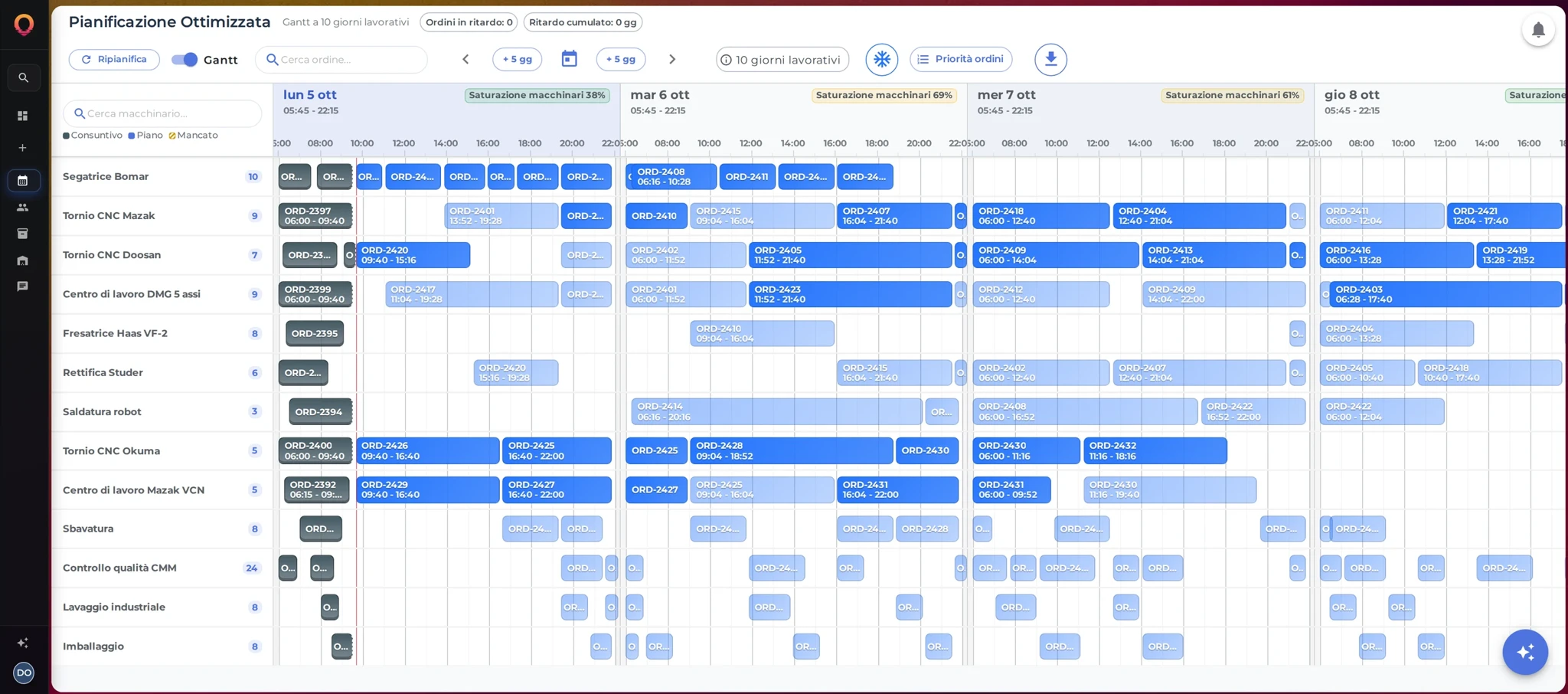
Drag an order on the Gantt, save and reschedule: the new plan reaches the shop-floor tablet right away.
Ask which orders are late or how loaded your machines are: the AI answers with tables and charts and helps you reschedule.
Operativo is the middle ground: powerful enough for real production constraints, simple to adopt.
Excel
Fast to start, fragile as orders and constraints grow.
Operativo
Operational control without an enterprise project.
Enterprise APS
Powerful, but often too long and heavy for an SME.
| Excel | Operativo | Enterprise APS | |
|---|---|---|---|
| Setup | Immediate | Progressive | 3-12 months |
| Finite capacity | × | ✓ | ✓ |
| Rescheduling | Hours | Seconds | Minutes |
| Cost | Already in-house | From €30/month per workstation | €200k+ project |
| Integrated MES + WMS | × | ✓ | Extra |
The platform is modular: activate what you need first and expand when your team is ready.
Finite-capacity scheduling, interactive drag-and-drop Gantt, constraint, shift, and priority management.
Shop floor progress tracking on tablets, real operating times, downtime reasons, and scrap recording.
Material availability checks for the schedule, bin locations, pick lists, and inventory staging.
Operational assistant on real data: runs what-if simulations, answers capacity queries, and drafts views for review.
Public pricing: MES from €30, Scheduler from €40, both from €55 per workstation per month. WMS and AI are quoted on request.
See pricing →We build rules together with the people running the shop floor every day, starting from an agreed initial scope.
We map orders, operations, priorities, and bottlenecks together, involving both planners and production leads.
We clarify constraints, sequence dependencies, and missing information, agreeing on necessary adjustments.
We translate your workflow model into the platform, with the chosen modules, links, and tailored adaptations.
We test the schedule on live orders, support operators and planners, and refine the model using actual collected data.
No need to digitize the entire company from day one: we agree to begin with a pilot department, a single line, or a critical order family. We use your existing data, validate the plan with shop-floor teams, and then expand to other areas or ERP integrations.
Clear answers to common questions about data, integrations, timing, and onboarding before booking a call.
No files, data exports, or structured databases are required. In our initial meeting, we simply talk through how you build schedules today, where bottlenecks happen, and what information you find yourself manually reconstructing when priorities shift.
No. We can start from simple spreadsheet exports or direct order entry to validate the scheduling model. Live ERP integration via API or scheduled files can be added later once the rules are proven.
No. You can start with scheduling alone and add MES, warehouse and integrations over time. Automatic data connections and the level of automation grow with the modules and integrations you activate.
No. The scheduler operates autonomously at finite capacity. Production progress can be updated manually, imported in batches, or connected to tracking tools already in place in your factory.
That is standard across most manufacturing SMEs. Operativo starts with your existing estimates, and progressively refines cycle times as real completion data is collected from the floor.
Timelines depend on the department involved, available data, and required integrations. After the initial analysis, we agree on the scope of the first rollout and the steps needed to validate the schedule against live orders.
Scheduler and MES have public monthly fees per workstation: MES from €30, Scheduler from €40, both from €55, with the price per workstation dropping as you add more. WMS and AI are quoted on request. Onboarding services (process analysis, rule configuration, data imports, and team training) are quoted based on the agreed initial scope.
During initial conversations and rule definition, planners and production managers (or shop floor leads) are essential. IT personnel are only involved if and when direct ERP integration is planned.
In our first call, we focus on a concrete challenge in your process and evaluate whether and how Operativo can help you schedule and execute reliably.
Free introductory call • No prior data preparation needed • Response within 24 business hours